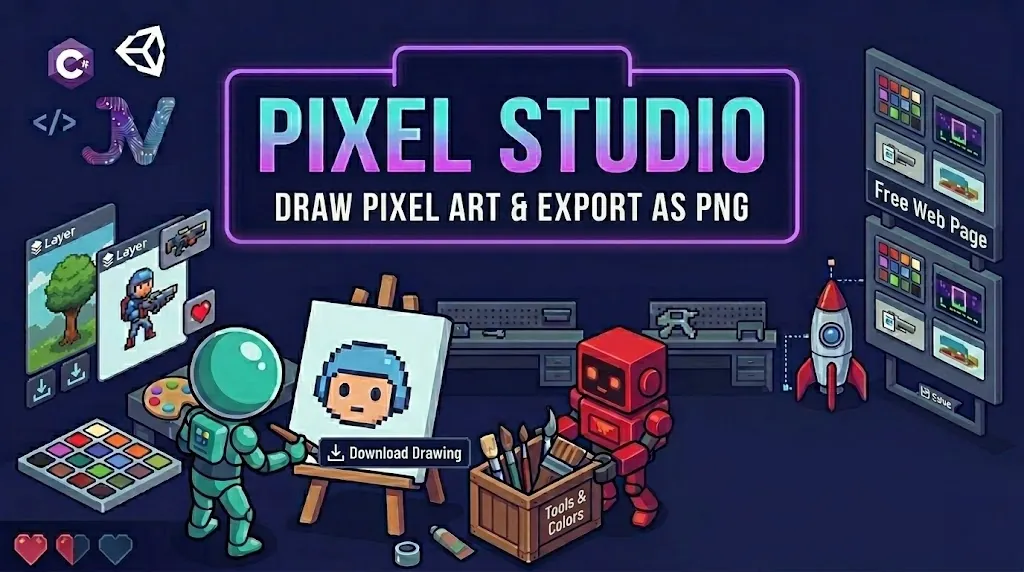
Pixel Studio is a free pixel art editor that runs in your browser. Layers, animation frames and one-click exports , no install, no account, no watermark.
Features
Everything you need to go from blank canvas to game-ready sprite.
Pencil, eraser, fill bucket, eyedropper, line and rectangle tools , with brush sizes up to 16px and right-click background drawing.
Stack up to 8 layers per frame with visibility toggles, duplication, thumbnails and merge-down.
Unlimited frames, adjustable FPS playback, duplicate frames and onion skinning for smooth walk cycles.
Symmetry drawing that mirrors every stroke across the canvas , perfect for faces, badges and icons.
Export animated GIFs, PNG spritesheets and scaled PNGs up to 512px. Import existing PNGs and sheets too.
Work autosaves as you draw and restores on return. Save re-openable project files to keep or share.
A dedicated mobile tool bar, palm-friendly layout and pinch-friendly canvas. Draw on a phone, finish on a laptop.
One click sends your sprite to the JVDS Arcade Game Maker. Draw it, then play with it immediately.
Export Formats
Pixel-perfect exports with no smoothing, no watermark and no sign-up.
How it works
Pick a canvas size from 8×8 to 128×128, choose colours and sketch with pencil, fill and mirror mode.
Add frames, flip on onion skinning and preview at your chosen FPS until the motion feels right.
Download a GIF, spritesheet or PNG , or send it straight into the Arcade Game Maker.
FAQ
Yes , completely free, no account, and no watermark on anything you export.
Yes. Everything you draw is yours, including use in commercial games, apps and products.
Yes. There's a touch-first mobile layout, and you can install Pixel Studio as an app on Android, iOS, Windows and macOS , it then works offline.
Animated GIFs, PNG spritesheets, scaled PNGs, and .json project files you can re-open later. It also imports PNGs and existing spritesheets.
Free. No account. Works in your browser right now.
🖌️ Open Pixel Studio Free → JVDesignStudio