Game Dev
Toolbox
Browser-based creative tools to draw sprites, make music, build 3D models, design levels, write dialogue and plan your game. No installs. Free forever.
Major enhancements just released
New: 6 genre sound packs + batch download. Create arcade, puzzle, platformer, and RPG effects instantly.
New: Save & load unlimited patterns. Build your beat library and never lose a great rhythm again.
New: Text effects (shadow, outline, glow) + 6 pro templates. Design polished game titles in seconds.
New: Color harmony modes + CSS/PNG export. Create game-ready color schemes that actually work together.
Every tool runs in your browser. Click to open and get started instantly.
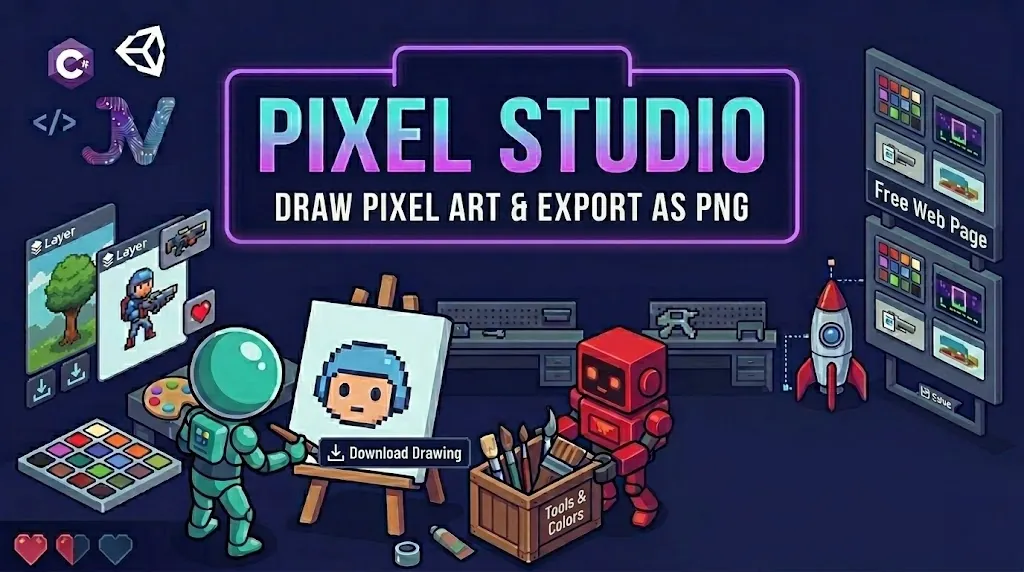
A full pixel art editor with layers, animation frames, onion skinning, fill bucket, line and rect tools, 32-colour palette, and PNG / spritesheet export. Works on mobile and tablet.
Open Tool →
Lightweight step sequencer for chiptune melodies and retro sound effects. Square, saw, triangle, sine waveforms. ADSR envelopes, bit crush, reverb. Quick setup, perfect for game effects. Export as WAV.
Open Tool →
A SketchUp-style 3D block builder. Place, paint, resize and rotate blocks, cylinders, spheres and more. Save your builds, name them, and export as OBJ. Full touch support.
Open Tool →
Fill in 9 structured sections concept, characters, gameplay rules, art style, sound, timeline and more. Live cover preview, progress tracker, save to browser, and export as PDF.
Open Tool →
Draw levels tile by tile with 32 tile types across 7 categories terrain, hazards, enemies, pickups, decor and more. 4 layers, draw/fill/rect/line tools, export as PNG with watermark or JSON for Godot and Unity.
Open Tool →
A powerful sound design tool for creating unique sound effects. Customize pitch, reverb, bit-crush and distortion then download a WAV file ready for Godot or Unity.
Open Tool →A fun browser drum machine with 7 instrument kits drum kit, piano, bass, brass, game SFX, nature sounds and silly effects. Tap pads, use keyboard shortcuts, record a loop.
Play Now →
Design game characters with 4 templates (Humanoid, Creature, Chibi, Top-Down) and 25+ archetypes. Customize parts, colors, and poses. Save presets, use smart randomizer, batch generate characters. Export as spritesheet, GIF, PNG, or JSON.
Open Tool →
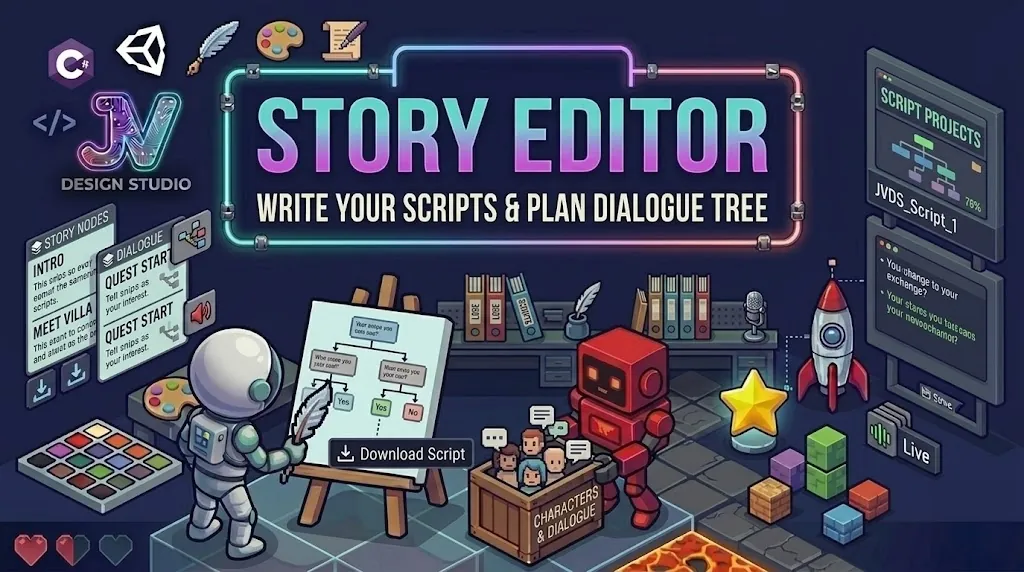
A node-based dialogue editor for RPG conversations and branching narratives. Add characters, write dialogue nodes, choice nodes and endings, connect them visually, preview the full story, and export as JSON for Godot or Unity. 4 save slots. Touch friendly.
Open Tool →
12 game mood presets from Retro 8-bit to Dark Dungeon. Lock colours you love, shuffle the rest, adjust saturation and brightness. Preview applied to real game mockups. Export as CSS variables, hex array, JSON, or GDScript for Godot.
Open Tool →A free browser-based RPG productivity app. Turn projects, tasks, and daily habits into quests. Earn XP, level up, defeat boss quests, track self-care, import your calendar. No account needed all data stays on your device.
QuestLog, Open Free →Generate custom pixel-style icons for your Quest Board RPG quests. Pick a shape and colour, preview it live, and download PNGs sized for the icons/ folder. No sign-up needed.
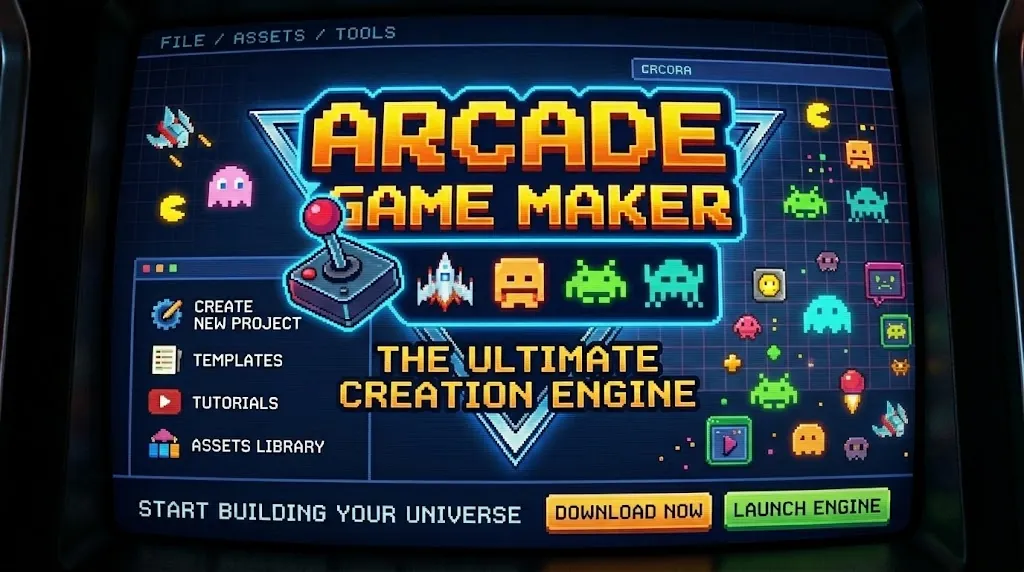
Open Tool →Pick a Shooter or Platformer template, dial in speed and gravity, paste a tile map from the Level Designer, then hit Run. Save locally or copy a share link so anyone can play your game instantly no installs.
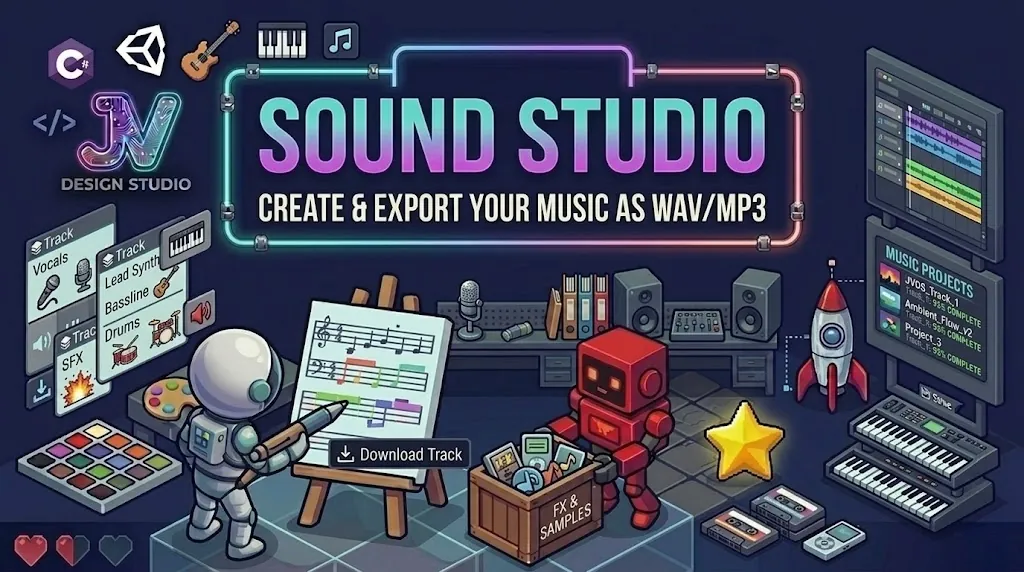
Open Tool →A BandLab-style music studio with a 16/32-step beat sequencer, piano roll melody editor, synth with 8 presets and full ADSR envelope. Save tracks to your browser, play live keys with your keyboard, and export a real WAV file ready to drop into your game.
Open Tool →Create custom particles from blank or choose from 8 presets (Fire, Smoke, Sparks, Magic, Snow, Explosion, Rain, Leaves). Real-time editing of rates, colors, gravity, turbulence, shapes, and blend modes. Export JSON for Godot or Unity games.
Open Tool →Draw every character on a pixel grid (5×7 up to 16×16), preview your text live with colour and scale controls, then export as a PNG spritesheet, JSON atlas, or BMFont-compatible XML ready to drop into Godot, Unity or Phaser.
Open Tool →Generate three map types: Dungeons (BSP, rooms, enemies, loot), World Maps (Perlin biomes, cities, dungeons), Islands (beaches, forests, villages). Then manually edit with place, erase, and pick tools. Adjustable from seed. Export PNG or JSON tilemap.
Open Tool →Stuck on what to make? Hit the button and get a fully-formed random game concept genre, theme, core mechanic and a twist all combined. Great for game jams, school projects or just breaking creative block.
Generate Idea →Upload any spritesheet PNG, set your frame size, pick which frames to include, dial in the FPS and watch your animation loop in real time. Drag and drop support. Export frame data as JSON for Godot or Unity, or save selected frames as a new sheet.
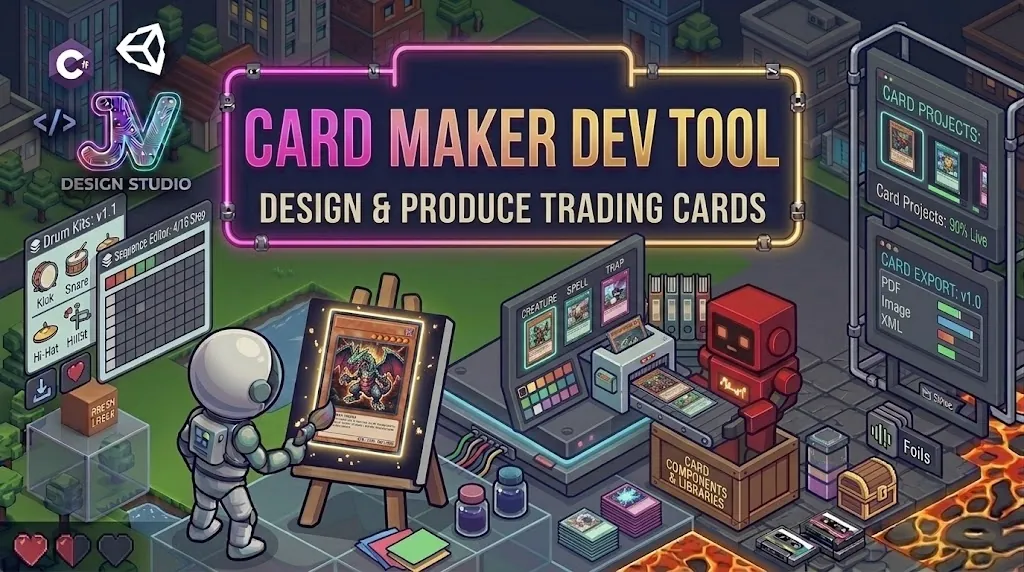
Open Tool →Design full trading cards like a Pokémon card pick a template (Classic, RPG, Sci-Fi, Dark, Cute…), choose type and rarity, upload artwork or use an emoji, fill in name, HP, stats with visual bars and flavour text. Export as PNG.
Open Tool →Type your game title, pick from 9 style presets (Fantasy, Pixel, Neon, Retro Arcade, Horror, Sci-Fi, Pirate, Grunge, Cute), choose a font, colour and effects like glow, outline, gradient and scanlines. Export at multiple canvas sizes including itch.io and Steam.
Open Tool →Upload multiple sprite PNGs and pack them into one optimised spritesheet. Auto-generates a JSON atlas map compatible with Godot, Unity and Phaser.
Coming SoonLoad a sprite, draw rectangle and circle hitboxes frame by frame, name each box (hurtbox, hitbox, ground), and export as JSON for Godot or Unity.
Coming SoonTimeline tool for building game cutscenes dialogue panels, character sprites, backgrounds, transitions. Export as a JSON script your engine can play back.
Coming SoonBeginner-friendly projects to jumpstart your creative journey (5-15 minutes each)
No account. No subscription. No install. Just open a tool and create.
These tools pair perfectly with the Workshop courses learn to code a game and use these tools to make it look and sound exactly how you want.
Use these tools together for maximum creative power
Recommended tool sequences for different skill levels
Start making games in under an hour with zero experience required
Build a complete game with art, music, and story
Create a professional-quality game with all features
"These tools completely transformed how I teach game design. My students love having everything in one place, and no installation hassles!"
"Went from zero to shipping a game in a weekend. The Level Designer and Arcade Game Maker are incredibly powerful yet super intuitive."
"Perfect for prototyping assets. I use Pixel Studio and Sound Studio for all my initial game concepts. Saves me so much time!"
Based on community usage and feature completeness