
How to Make a Game for Kids
Every child can make a game. The trick is starting small: one idea, one clear path, and one thing they can play today. These free guides and workshops work in a browser, on a school computer, with no installs and no account to begin.
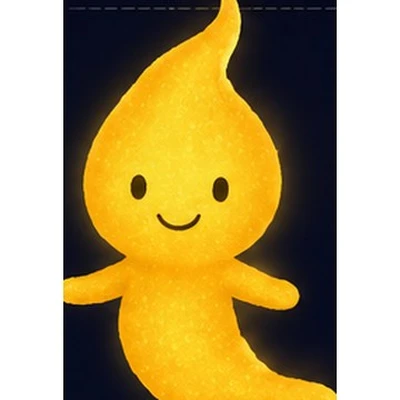
Stardust says: start with one small game they can finish today. Pick a path below, follow the steps together, and press play on something they made.
Pick a first path
Scratch for Kids Easiest start
Drag blocks to build a game. The gentlest first step, for ages 7 and up.
Read the guide →Minecraft Modding
Make your first item, block, mob and a whole world of their own.
Read the guide →Roblox Studio Tutorials
Build an obby, an adventure and a tycoon, step by step.
Read the guide →Python Games
Real text and Pygame games for children ready for code.
Read the guide →Godot for Beginners
A free engine for bigger 2D and 3D games, no licence needed.
Read the guide →Unity for Beginners
Build Pong, Breakout and more with a real industry engine.
Read the guide →On a School Chromebook
What works with no installs, no admin rights and no account.
Read the guide →What you need to start
- A browser (Chrome, Edge or Safari) on a laptop, desktop or Chromebook
- About 30 minutes to finish a first small game together
- No account, no payment and no admin rights to begin
- For engine paths like Unity, Minecraft and Roblox, one free install with a grown-up